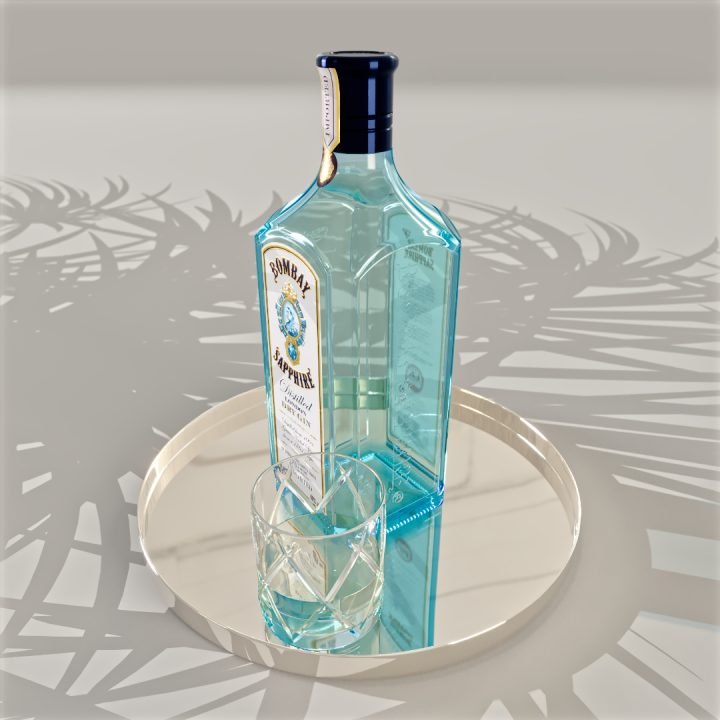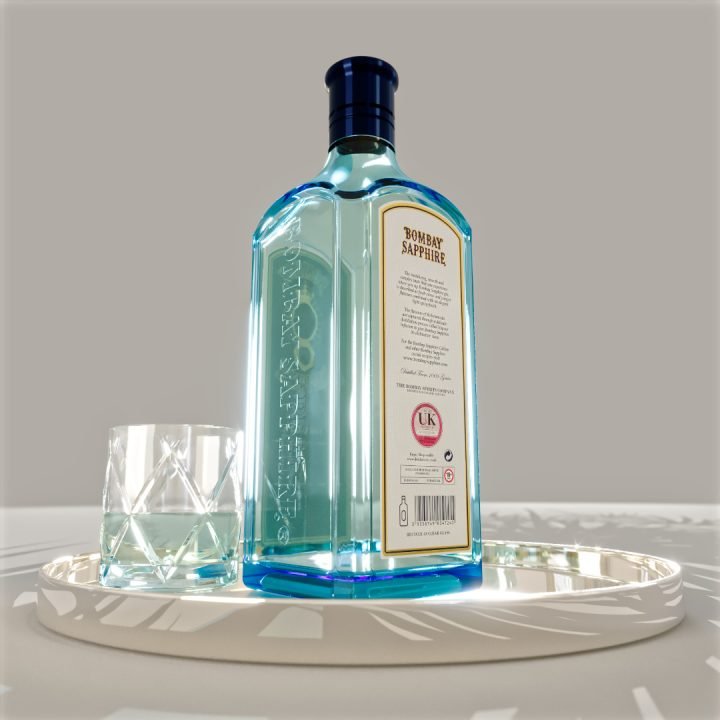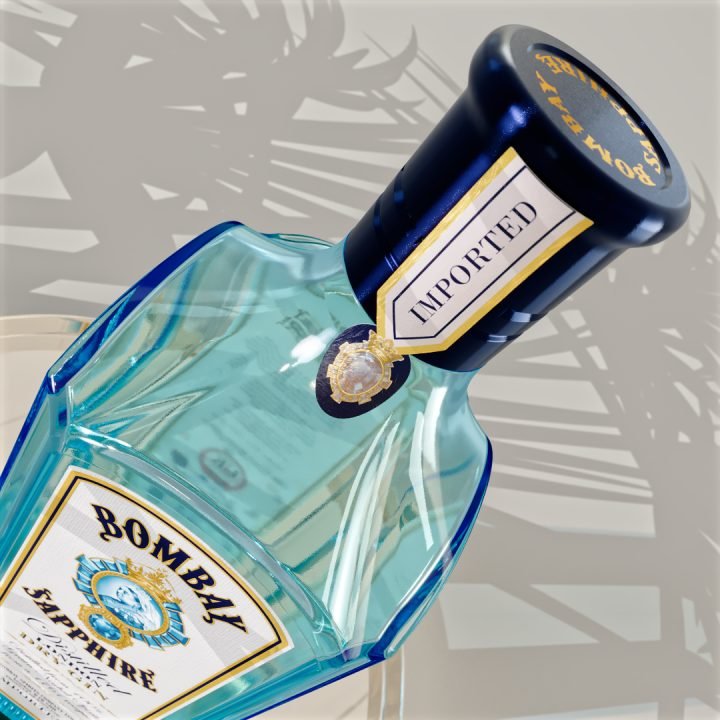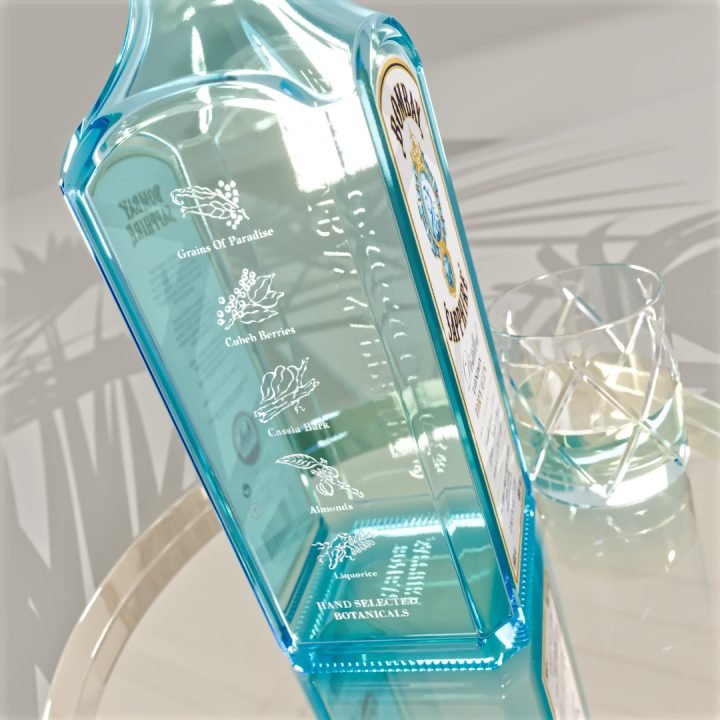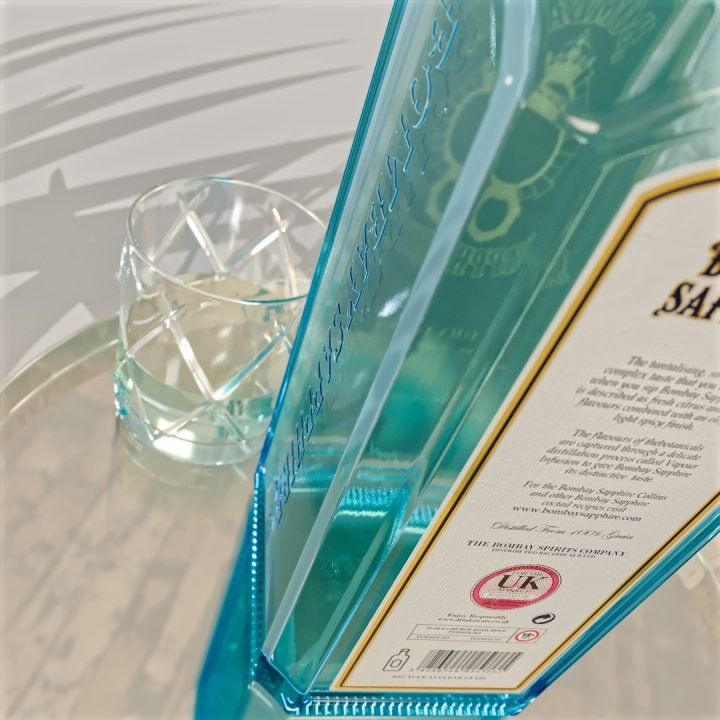
BOMBAY SAPPHIRE BOTTLE
Personal Project
The Project
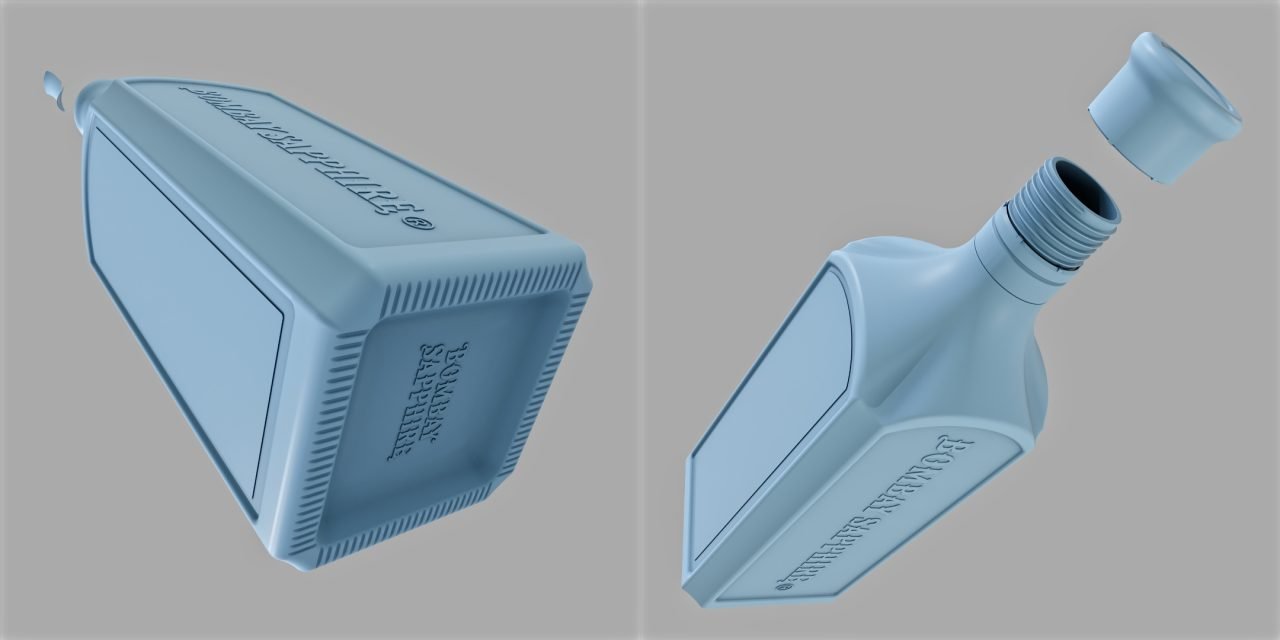
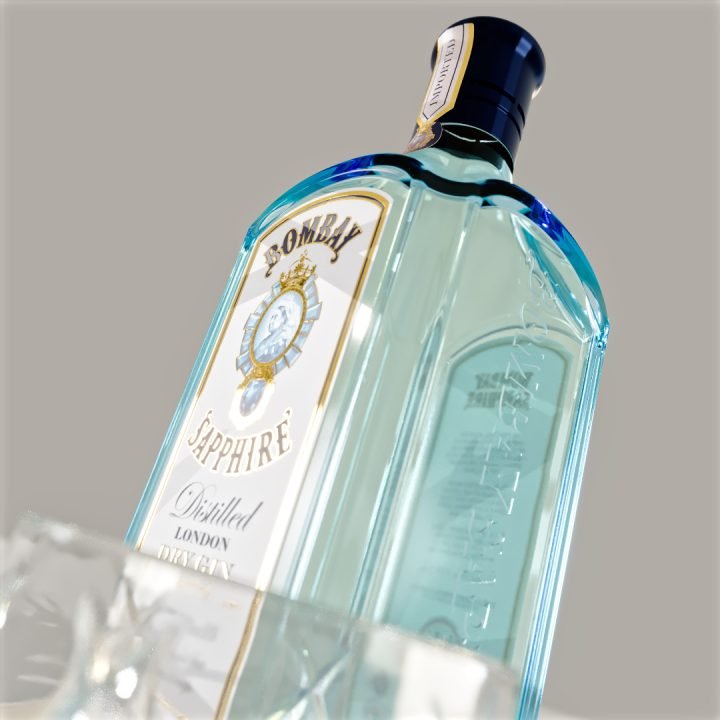
I decided to model a Bombay Sapphire bottle as it has some tricky curved surfaces and embossed text which I have tried to do before in C4D but could not achieve the bevels on the glass joins as well as Boolean cutting the detail on the base, this also failed last time I tried. This time I created the whole bottle in Plasticity with no problems.
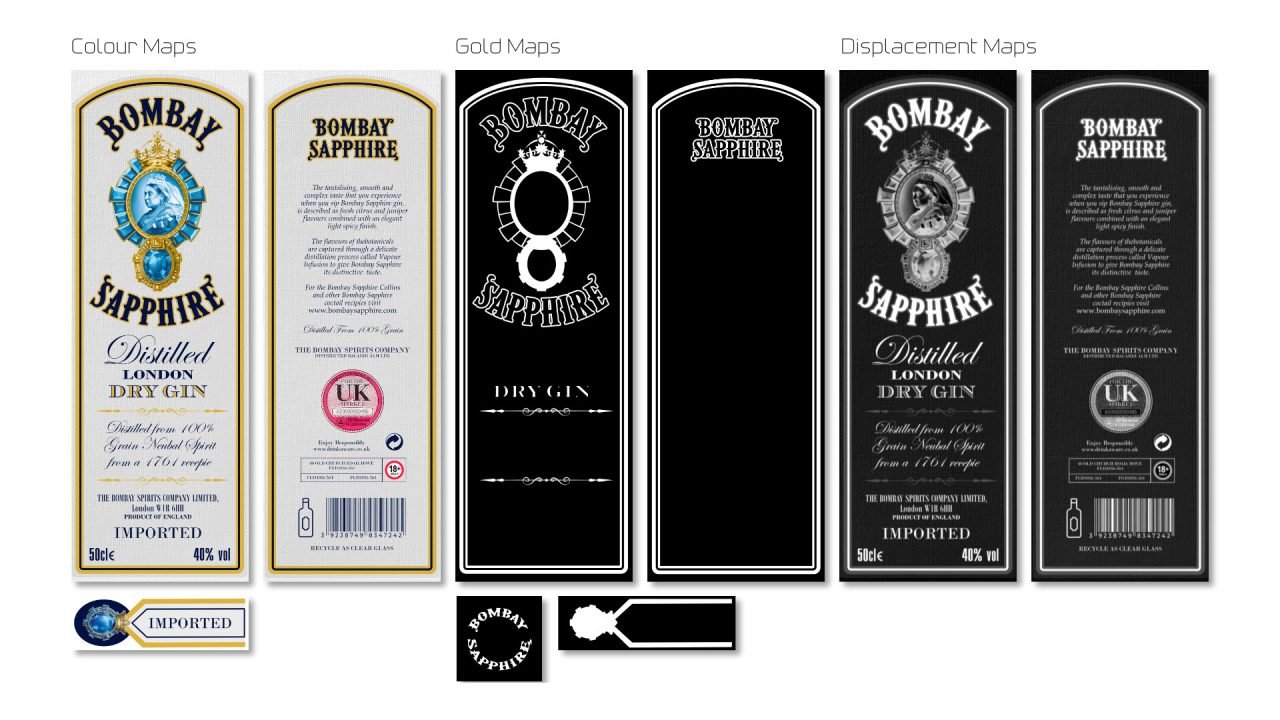
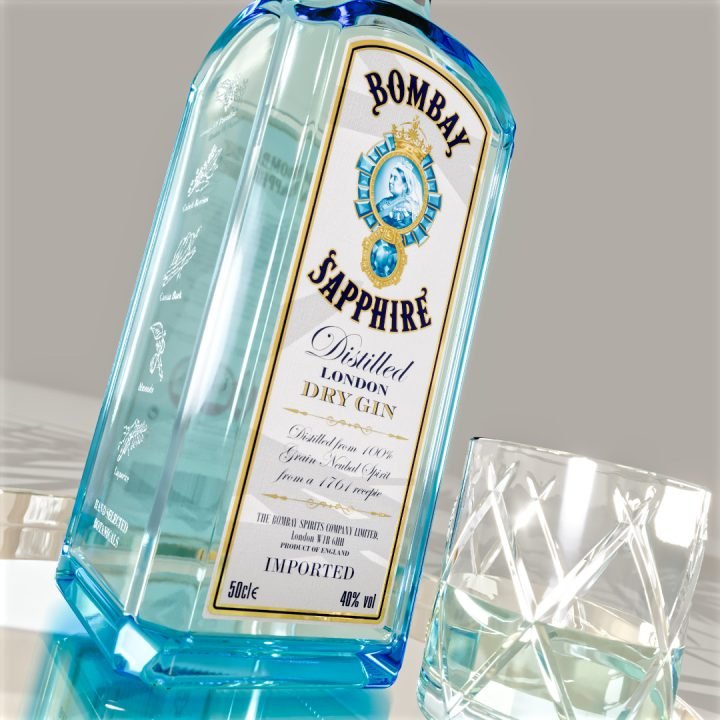
I re-created the labels from scratch to get properly familiar with Affinity Studio.
The Execution
I found some relatively good SVG brand lock-ups I downloaded including reference photos. Modelling the bottle in Plasticity was very straight forward. I created guide curves for all the shapes, then lofted together. The embossed logos were just Boolean together then all edges bevelled slightly so it looks like its part of the glass moulding.
Creating the labels from scratch in Affinity Studio was not too hard, only a few things I had to look up to execute as Adobe would but the two apps are so similar so the transition isn’t hard at all. The fact I can do the layouts in ‘Vector’ then switch to ‘Pixel’ to do the 3d maps is a seamless workflow. My only ‘unresolved’ issue is how to export images with alpha masks embedded so I can see them in the layers in C4D. Sure there is a way. I made a separate ‘Vector’ layer for the gold foil this way and exported as a b/w. I used PixPlant5 to generate the displacement and normal maps, standard way. I do find Affinity Studio a lot faster than Adobe, not as much lag and a big bonus is file sizes are MUCH smaller, so good news for your hard drives storing loads of project data.
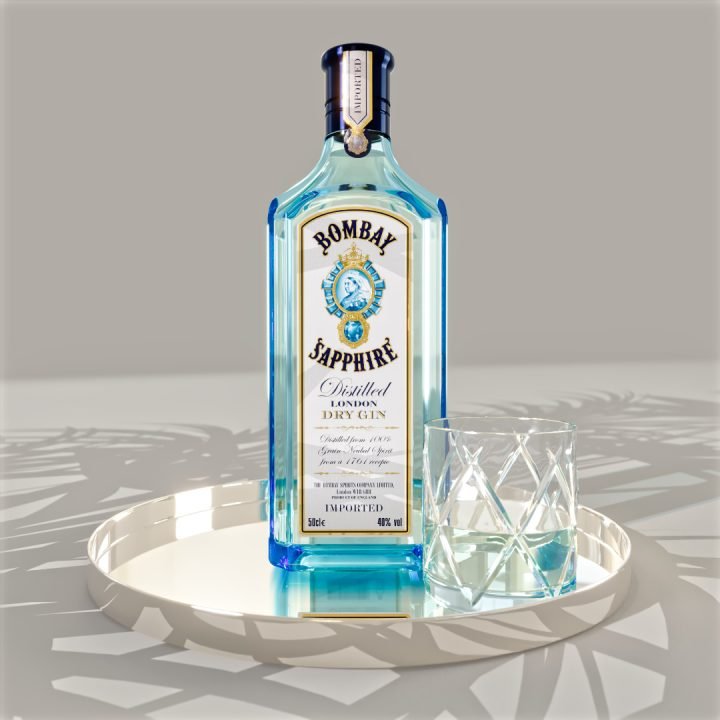
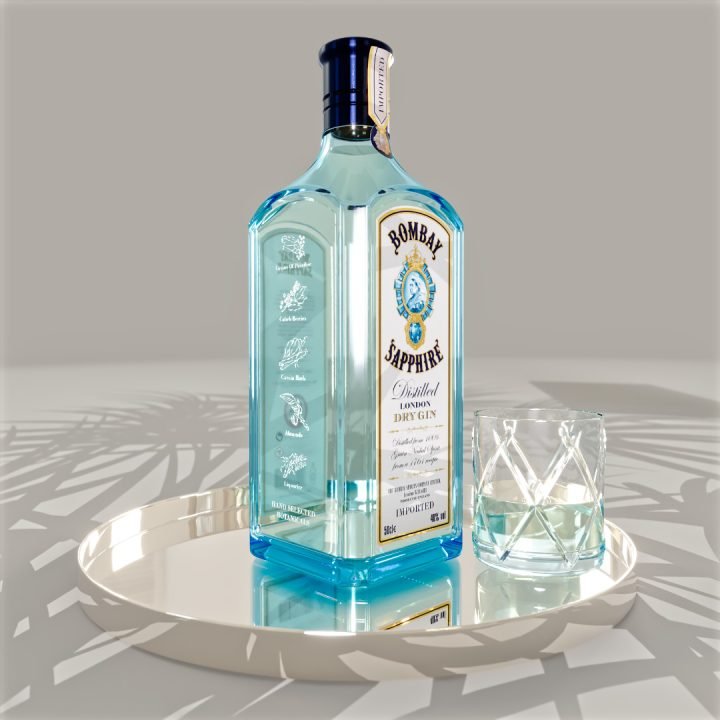
To create the Bombay Sapphire glass I used a volumetric glass with a cyan blue tint and super fine surface displacement to mimic the bottle, slightly bumpy to create a minimal blurriness.
CLIENT:
©2025 Johnny Swedish Ltd.
DATE:
Nov 25, 2025